Organizers handle some of the most sensitive material a person owns: identity documents, financial records, photos, passwords and devices. The final outline items ask organizers to respect intellectual property — their own and others' — to keep business records responsibly, and to protect client identity and data with sensible cybersecurity habits. The guiding idea is simple: collect as little as you need, protect what you hold, and dispose of it securely.
The final lesson finishes Domain VI with intellectual property, trademark and copyright protection (VI.B.4) and protection — records retention, identity and cybersecurity (VI.C). These topics sound technical, but the exam tests practical judgement: respecting other people's work, handling client photos and documents properly, and not putting client data at risk.
Think about what an organizer actually handles in a normal week: passports and birth certificates in a filing project, bank statements on a dining table, photos of a client's home on their own phone, a door code in their notes app. Few service providers get this close to a person's private life. VI.B.4 and VI.C are about earning that access by protecting everything that comes with it.
One important caveat runs through the whole lesson: intellectual property, records retention and data-protection rules vary by country and region. This lesson teaches principles that apply everywhere. Organizers need to check the specific requirements where they work, and the exam's correct answers respect that.
Free on YouTube Subscribe to get every lesson video in this course SubscribeIntellectual Property, Trademark and Copyright (VI.B.4)
Intellectual property (IP) is the legal protection given to creations of the mind. For organizers it comes up in two directions: respecting other people's work, and protecting your own. Two kinds matter most:
- CopyrightProtects original expression — writing, photos, worksheets and templates, videos, course materials. In many countries it applies automatically when the work is created. It protects the specific expression, not the underlying idea: anyone can teach "sort into keep, donate and discard", but no one can copy another organizer's worksheet design and wording.
- Trademarks and certification marksProtect names, logos and slogans that identify a business or a credential. A certification mark such as CPO® signals that the user holds a specific credential, so it may only be used by credential holders and only as the owner permits.
Respecting other people's work
| Situation | The principle |
|---|---|
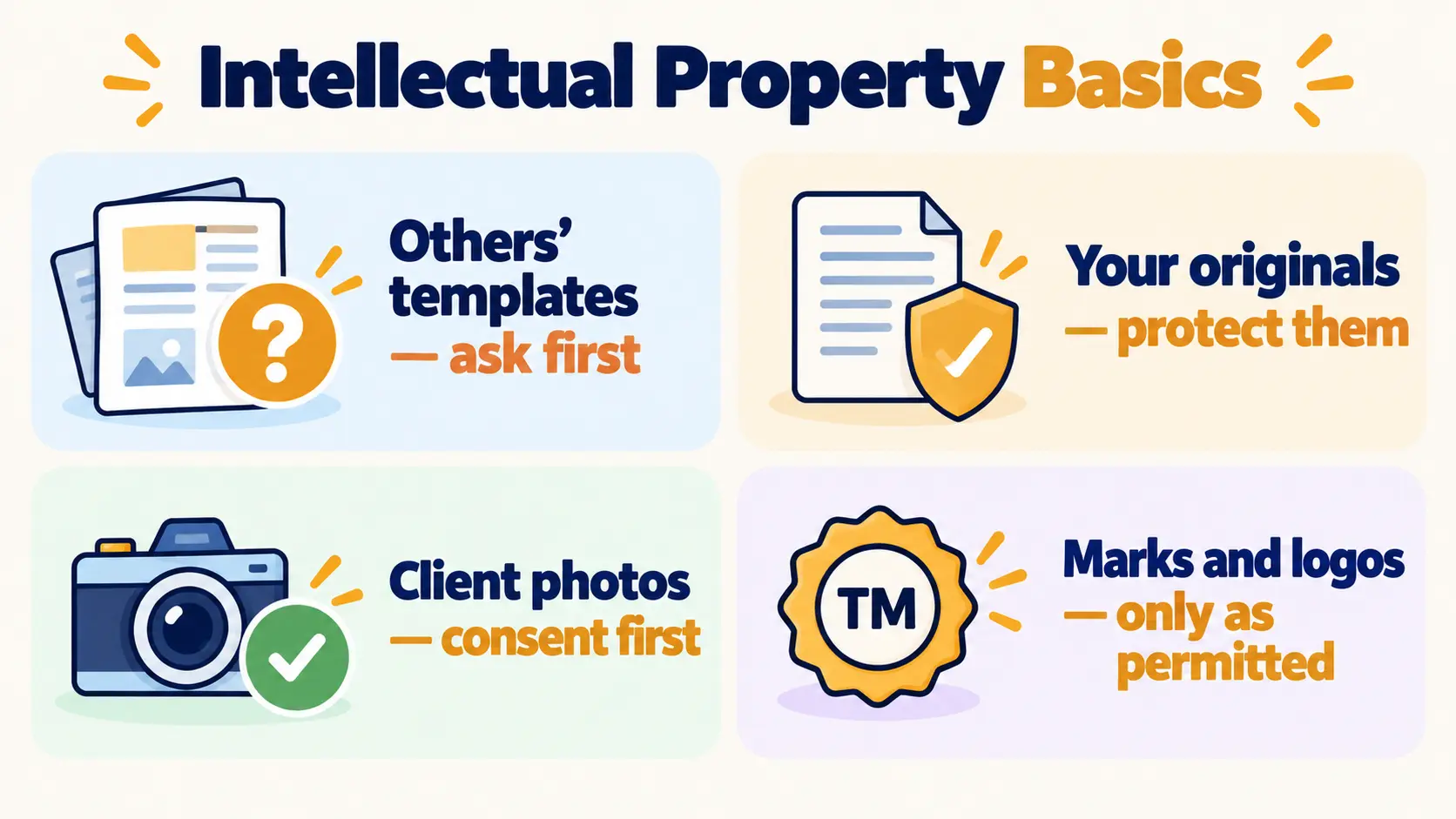
| Another organizer's templates, checklists, photos or articles | Ask permission, use as licensed, or create your own original version. Removing their name doesn't make it yours. |
| An article you'd like clients to read | Share the link rather than copying the text into your own handout. |
| Images found on social media or image searches | Visible online isn't the same as free to use. Use your own photos, licensed stock, or images you have permission for. |
| A technique you learned at a workshop | Using and teaching the method is fine. Reproducing the presenter's slides or handouts isn't, unless they allow it. |
| Trademarks and certification marks | Use brand names, logos and marks only as permitted. Don't use a professional association's or credentialing body's logo without permission. |
The line the exam draws is between learning from someone's work and copying it. Ideas, methods and general knowledge are free to use. Someone's specific words, design, photos and materials are not.
Protecting your own work
Organizers create a lot of original material: intake forms, maintenance checklists, guides, photos, course content. Sensible protections include:
- Mark it clearly with your name or business name and a copyright notice, and keep dated drafts as a record of when you created it.
- Set terms for clients — for example, handouts are for the client's personal use, not for resale or republishing.
- Check before naming your business that the name or logo isn't already in use in a way that could cause confusion, and consider protecting your own where you work.
- If someone copies you, start with a calm, professional conversation. Many cases are honest mistakes. Take legal advice before going further.
Credentials and marks
CPO® is used only once the credential has been awarded, and only as BCPO permits (Lesson 17). Passing the exam isn't enough until the credential is officially granted. Membership of an association doesn't mean you hold its credential, and holding a credential doesn't mean the credentialing body endorses your business. Each of these misrepresentations comes up on the exam.
Photos of client homes
Photos are where IP and confidentiality meet. Even when the organizer took the photo — and may own its copyright — sharing it publicly needs the client's explicit consent, because the home and its contents are the client's private life. Good practice goes further:
- Agree up front what photos will be taken and why (planning, before-and-after, portfolio).
- Even with consent, remove identifying details: house numbers, street views, mail, documents, family photos, faces, and anything that reveals valuables or security systems.
- Respect a client who later withdraws consent. Remove what you can.
Records Retention (VI.C)
This section is about the organizer's own business records. Helping clients with their retention questions was covered in Lesson 12: set up the system, and refer the specific "how long do I keep this?" questions to a qualified professional.
| Record type | Examples | Why it's kept |
|---|---|---|
| Agreements | Contracts, signed terms, consent forms (photos, testimonials) | Evidence of what was agreed and consented to |
| Financial | Invoices, receipts, payment records | Tax and business requirements |
| Client working notes | Intake forms, assessment notes, plans, session notes | Delivering the project and any follow-up |
| Correspondence | Emails and messages about scope, changes and complaints | A record of decisions and approvals |
The principles
- Keep what's required, for as long as required where you work. Business, tax and data-protection rules all play a part, and they differ by country and region. A qualified local adviser can confirm the periods that apply.
- Keep only what you need. Client photos and detailed notes from long-finished projects are a risk, not an asset.
- Store securely and limit access — locked storage for paper; encrypted, password-protected storage for digital files; assistants see only what their work needs.
- Dispose securely when records reach the end of their retention period — cross-cut shredding or a secure service for paper, secure deletion for digital files and old devices.
A simple retention schedule puts this into practice. It lists each record type, how long it's kept, where it's stored, and how it's disposed of. It turns good intentions into a routine — the same thing organizers help clients build.
Client documents in the organizer's hands
Original client documents stay in the client's home unless there's a clear, agreed reason to take them, such as delivering papers to a shredding service with the client's permission. If documents do leave the home, keep a record of what went where. Return originals promptly and never keep copies "just in case".
Protecting Client Identity
Identity theft often starts with paper that wasn't destroyed properly, or information that was shared too freely. Organizers routinely see identity documents, bank and tax papers, medical letters, children's records and signatures, so protecting identity is part of the job.
- Collect only what you needData minimization: don't copy, photograph or note sensitive details unless the work requires it. A filing session needs categories, not account numbers.
- Shred securely — with agreementDocuments with personal or financial details are shredded (cross-cut or a secure service), never put in household recycling. What gets destroyed is the client's decision.
- Don't hold passwordsAvoid keeping clients' passwords. Where access is needed, the client logs in, or uses a password manager they control.
- Wipe devicesOld phones and computers are backed up and securely erased before they're donated, sold or recycled (Lesson 8).
- Discretion in conversationAn "anonymous" story about a client can still identify them through the neighbourhood, the job or the situation. Share stories only with consent (Lesson 17).
Two boundaries matter here. First, the organizer helps the client decide what to keep and destroy but doesn't make that decision for them. Second, questions about which documents must be kept, or for how long, go to the relevant professional — an accountant, lawyer or the issuing organization. The organizer builds the system; the client and their advisers decide the contents.
Cybersecurity Basics
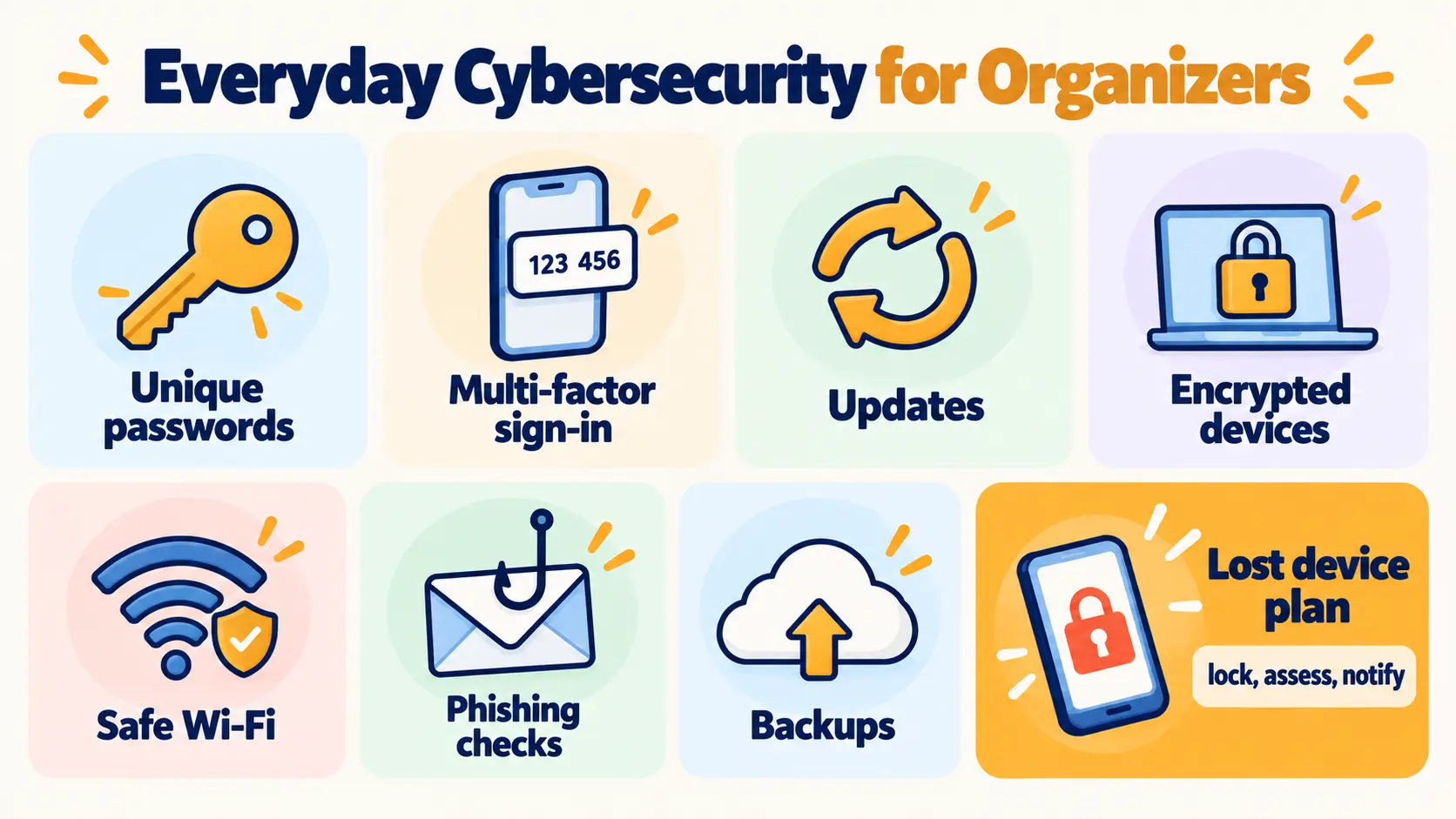
An organizer's phone and laptop can hold client names, addresses, phone numbers, photos of the inside of their homes, door or alarm codes, and notes about their lives. In the wrong hands, photos showing valuables or a security system are a burglary risk as well as a privacy one. A small set of habits protects all of it:
| Habit | Protects against |
|---|---|
| Strong, unique passwords in a password manager | One breached account unlocking all the others |
| Multi-factor authentication | A stolen password being enough on its own |
| Software updates on phone, laptop and apps | Known security holes being exploited |
| Device encryption, screen lock, remote locate-and-wipe | A lost or stolen device exposing client data |
| Avoiding unsecured public Wi-Fi for client work | Data being intercepted on shared networks |
| Secure file sharing for sensitive documents | Sensitive files sitting in ordinary email inboxes |
| Regular, secure backups | Losing business records to failure, theft or ransomware |
Recognizing phishing
Phishing messages try to rush you into clicking a link, opening an attachment, logging in or changing payment details. Common signs: urgency ("act now"), an unexpected attachment or invoice, a sender address that's slightly off, a request for login details, or a "new bank details" message from a supplier. The safe response is always the same: don't click — verify through a separate, known channel, such as phoning the person on a number you already have. Organizers can also help clients recognize phishing as part of paper and digital organizing work.
When something goes wrong
Devices get lost and accounts get breached even with good habits. A plan made in advance turns panic into steps:
- Contain it — lock or wipe the device remotely; change affected passwords.
- Assess what client information may have been exposed.
- Notify — follow the notification rules where you work, and tell affected clients honestly and promptly where appropriate.
- Learn — fix the gap that allowed it.
Hiding a breach to avoid embarrassment is both an ethical failure and, in many places, a legal one.
Exam Traps for VI.B.4 and VI.C
| If an answer… | …it's probably wrong because |
|---|---|
| Copies a template after removing the author's name | Removing a name doesn't make it yours |
| Uses an image because it was online | Visible isn't the same as licensed |
| Uses CPO® after passing, before it's awarded | Credentials are claimed only once awarded |
| Shares client photos because no faces show | Client photos need explicit consent |
| States one retention period for everyone | Requirements vary where you work |
| Puts financial papers in household recycling | Shred securely |
| Keeps the client's password list | Access stays with the client |
| Clicks an "urgent" link from a client | Verify through a separate channel |
| Keeps quiet about a lost device | Contain, assess and notify as required |
That completes all six domains of the CPO® exam content outline. The next step is the full practice exam — 125 questions, two hours, weighted to the official domain percentages. For the everyday side of digital hygiene, see our digital minimalism guide.
10 questions in the style of the CPO exam. Score 70%+ to mark this lesson complete.
- VI.B.4 and VI.C cover intellectual property, records retention, identity protection and cybersecurity — and the rules vary by country and region.
- Learn from others' work, don't copy it: ask permission, use as licensed or create your own; protect your own originals.
- Use CPO® and other marks only as permitted and once awarded; client photos need explicit consent even if you took them — and identifying details removed.
- Keep business records as required where you work, only what you need, stored securely and disposed of securely — ideally on a retention schedule.
- Protect identity: collect the minimum, shred with the client's agreement, don't hold passwords, wipe devices, and refer retention questions.
- Cyber basics: unique passwords, multi-factor sign-in, updates, encryption, phishing checks, backups — and a contain, assess, notify, learn plan.
Before taking the practice exam:
- Turn on multi-factor authentication for your email and cloud storage.
- Draft a four-line retention schedule for your own business records: type, period, storage, disposal.
- List the client information you would genuinely need for a filing project — and what you'd avoid collecting.
- Complete the knowledge check, then take the full practice exam.