
- The average smartphone camera roll holds an estimated 1,600-2,800 photos, and more than one in ten people have upwards of 7,500.
- 65% of people say they take photos specifically to look back on later, but 55% feel overwhelmed trying to find a specific moment in their own library — the core paradox this guide addresses.
- Duplicates typically come from burst mode, dual-format saves (HEIC + JPEG), and resaved chat media — not from meaningfully different memories.
- 55% of people pay for extra phone storage, and iPhone users are more than twice as likely as Android users to need it.
- Working in short 20-30 minute sessions and batching by event meaningfully reduces the decision fatigue that makes most people abandon a photo declutter halfway through.
The average phone holds somewhere between 1,600 and 2,800 photos — and for most people, that number keeps climbing without a single deliberate decision behind it.[1] The result is a strange paradox: 65% of people say they photograph things specifically to look back on them later, yet 55% feel overwhelmed the moment they actually try to find a particular memory in their own camera roll.[2] This guide is a step-by-step method for cutting that clutter down without the anxiety of accidentally deleting something you'd genuinely miss.
Why Photos Are the Hardest Clutter to Deal With
Unlike apps or files, photos carry real emotional weight, which makes the usual "just delete what you don't need" advice much harder to actually follow. Research on digital photo hoarding points to emotional attachment and fear of missing out as the two strongest drivers — people keep photos not because they're useful, but because deleting them feels like discarding a piece of the memory itself, even when the photo is a blurry duplicate that adds nothing.[3]
This is exactly why most photo decluttering attempts stall out: they're framed as an act of loss (what am I willing to give up?) instead of an act of curation (what do I actually want to find again?). The method below is built around the second framing. It's the same reframe that helps with sentimental clutter more broadly — the memory isn't the file or the object, it's what you carry from it.
Before You Touch Anything: Back It Up
Once backup is confirmed, you can approach deletion decisions with genuine confidence rather than hesitation on every single image — which is where most of the decision fatigue in a photo declutter actually comes from.
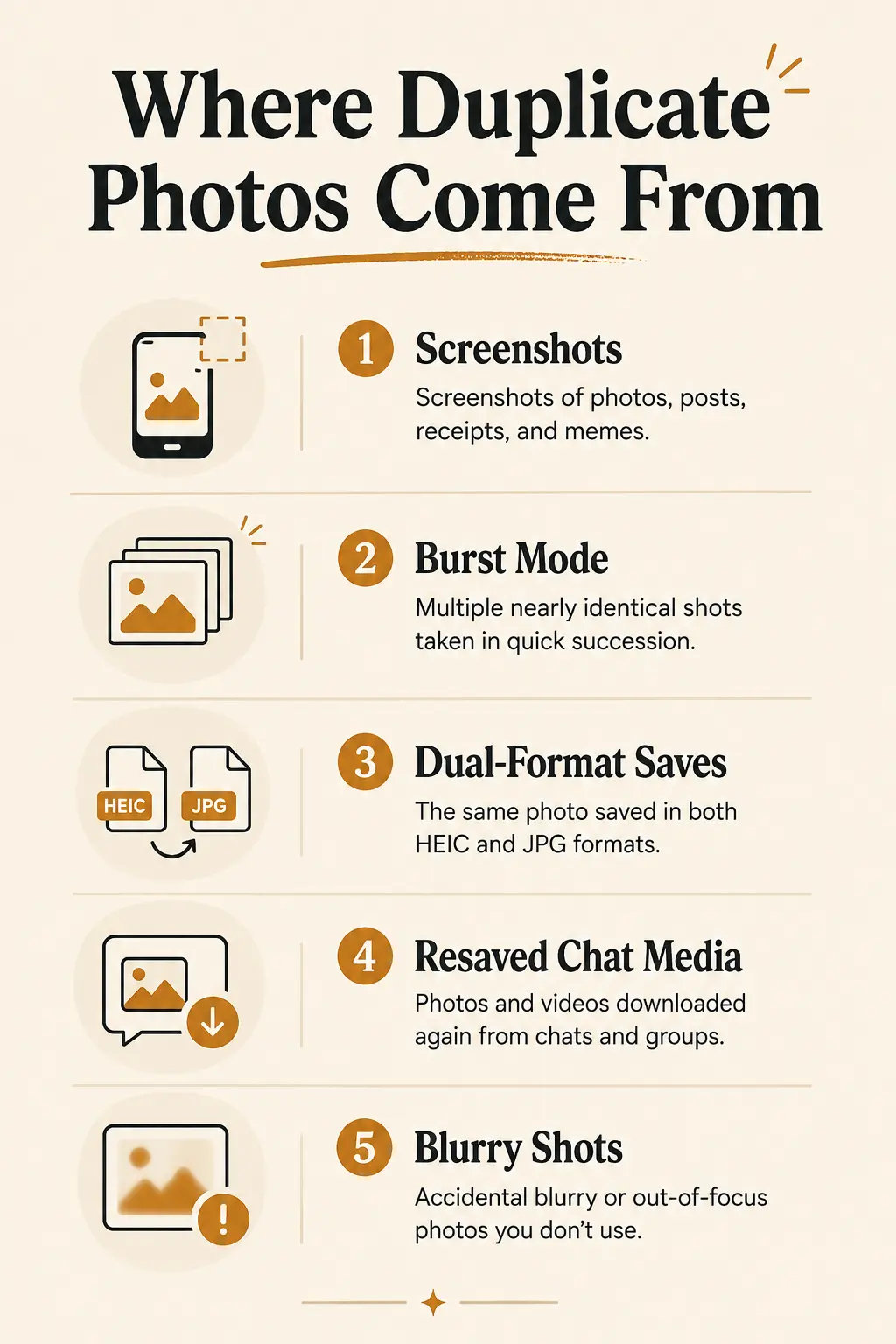
Where the Clutter Actually Comes From
| Source | Why it accumulates | How to clear it |
|---|---|---|
| Screenshots | Usually the single largest category — receipts, memes, saved posts, directions | Search "Screenshots" album, batch-delete anything without lasting value |
| Burst mode shots | 5-10 near-identical frames captured per burst, almost never all needed | Keep the single sharpest frame, delete the rest |
| Dual-format saves | Some setups save both a HEIC and JPEG version of one photo | Check camera format settings; delete the redundant format going forward |
| Resaved chat media | Photos saved again after being shared or re-sent through messaging apps | Search by app-download date; clear anything already saved elsewhere |
| Blurry/accidental shots | Pocket photos, failed attempts, test shots | Usually safe to delete on sight — no real decision needed |
None of these categories cost you a meaningful memory — which is exactly why starting here, rather than with sentimental photos, builds momentum without any of the emotional friction.
The Method: Keep-First, Not Delete-First
Deciding what to keep is consistently easier than deciding what to delete, because it shifts the mental effort from justifying every removal to simply flagging what you'd actually want to see again.[4] Instead of scrolling through your entire library asking "should this go?" thousands of times, work through it in batches asking "would I want to see this again?" — a much smaller, much less exhausting question.
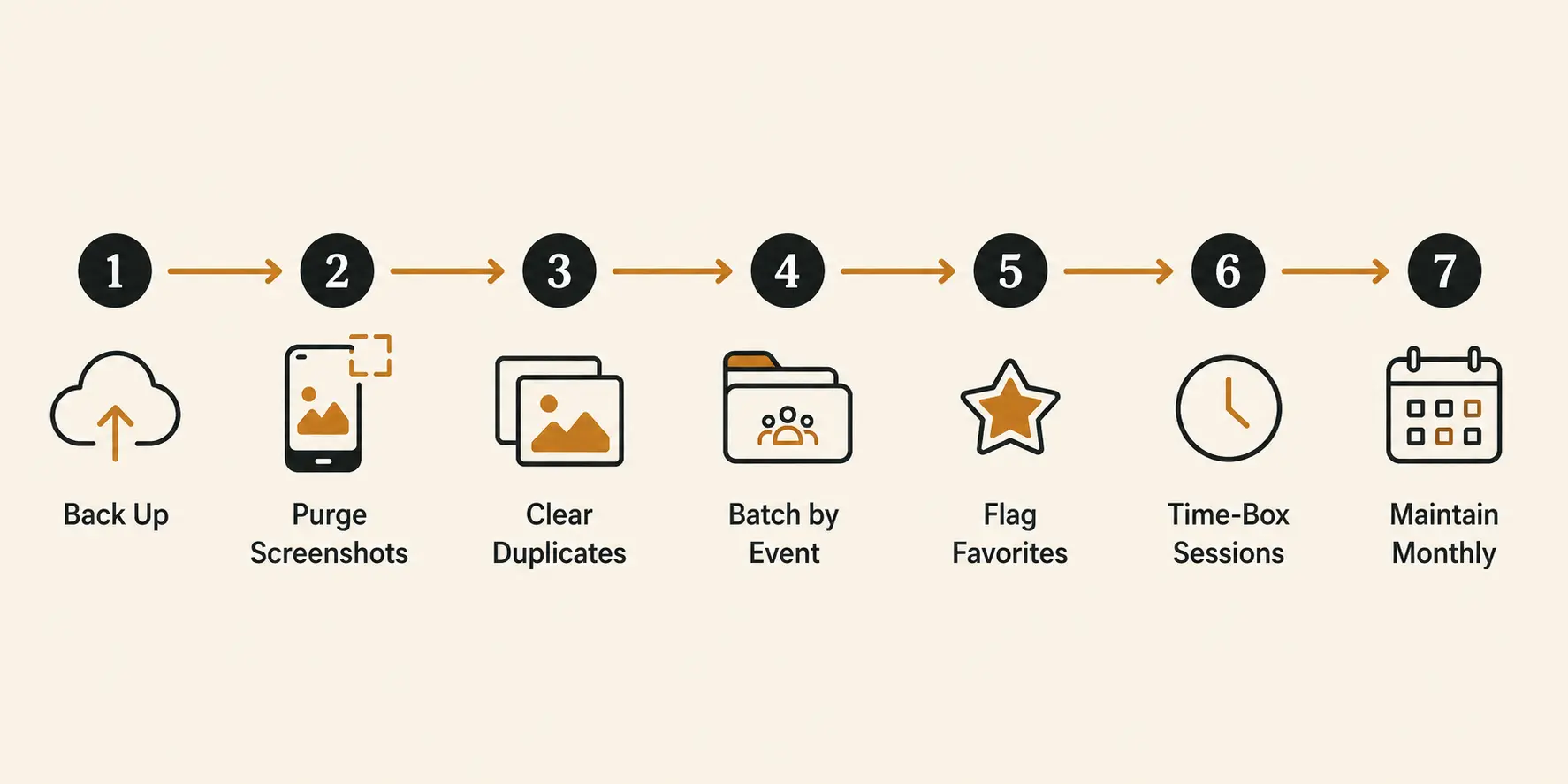
The Step-by-Step Process
- Back up and confirm it's synced. Turn on automatic cloud backup and verify it's actually complete before proceeding.
- Purge screenshots first. This is usually the single largest, most guilt-free category to clear — most screenshots have already served their purpose.
- Clear duplicates and bursts. Keep the one best frame from each burst or duplicate set; delete the rest without overthinking it.
- Batch by event or month, not chronologically from day one. Pick one trip, one month, or one occasion at a time — this keeps each session bounded and specific rather than an overwhelming scroll through years of images at once.
- Flag your favorites into one album as you go through each batch — the handful of shots per event you'd actually want to find again. This becomes your genuinely useful, findable archive.
- Work in 20-30 minute sessions. Decision quality drops noticeably past this window — stop, and pick it up again another day rather than pushing through fatigue.
- Set up an ongoing system. A short monthly session — even 10 minutes — keeps the backlog from rebuilding to an unmanageable size again.
For the fuller phone-wide reset this fits into — apps, files, screen time, and notifications — see the 30-minute phone organization guide, which covers a quick photo triage as one part of a broader reset; this guide is the deeper, memory-conscious version of that single step.
For the digital side of decluttering beyond just photos — apps, notifications, and subscriptions — the free Digital Declutter Checklist tool covers the full picture in one place. The inbox is usually the piece people put off longest — a realistic way to handle email overload applies the same batching logic used here to a backlog of unread email.
Common Mistakes
- Starting to delete before confirming backup is complete. This is the single biggest source of anxiety in a photo declutter, and it's entirely avoidable.
- Trying to sort the entire library in one sitting. Decision fatigue makes later choices worse and more careless — bounded sessions consistently outperform marathon attempts.
- Starting with sentimental photos first. Beginning with screenshots and duplicates builds momentum without emotional friction; save the harder categories for later, once you have practice with the process.
- Framing every photo as a delete decision. Flagging favorites to keep is mentally lighter than justifying every deletion — use the keep-first approach.
- Treating a "good enough" backed-up archive as a failure. You don't need a perfectly curated library — removing the obvious waste and surfacing your favorites is a complete, worthwhile outcome on its own.
Final Thoughts
A digital photo declutter doesn't have to mean ruthlessly cutting your library down to a minimalist handful of images — it means removing the obvious waste (screenshots, duplicates, blurry shots) and making the photos that actually matter to you findable again. Back up first, work in short batched sessions, and flip the framing from "what should I delete" to "what do I actually want to keep" — that single shift is what makes this process sustainable instead of something you start once a year and abandon by lunchtime.
The honest version of this task: you're not trying to build a perfect archive. You're trying to make the memories that matter easier to find than they currently are.
If phone clutter goes beyond just photos for you, the fuller digital minimalism framework and the one in, one out rule both cover the broader habits this fits into.
Sources
[1] Mobile photography statistics — average camera roll size. Available at: photoaid.com
[2] Digital photo hoarding behavior and camera roll overwhelm data. Available at: affenstunde.com
[3] Exploration of factors of digital photo hoarding behavior, emotional attachment and FOMO. Available at: pmc.ncbi.nlm.nih.gov
[4] Photo decluttering methods — keep-first framing and decision fatigue. Available at: cyme.io